
Mass device management

For Whatsminer and Antminer ASIC
1 version
Support models Whatsminer M3x, M5x, M6x
1 version
Support models Whatsminer M3x, M5x, M6x
1 version
Support models Whatsminer M3x, M5x, M6x
A step-by-step guide that helps you quickly and accurately prepare hardware or software for operation
Firmware is a key tool in any ASIC miner's arsenal, serving as the core required software
Optimize your device performance with profiles. The profile switcher automatically adjusts profiles based on temperature, and in case of an ASIC error, it switches to lower settings to ensure stability. Overclocking with an additional power supply is supported, as well as downvolting down to -50%.
Set hotel fees, manage AMS and faulty boards, download logs via web, request API access, configure proxy, and view extended chip/PSU stats — all in one place.
Keep your setup efficient and quiet: low fan noise start, manual speed settings, immersion mode with PSU tuning, and ambient temperature triggers for automatic shutdown or startup.
Real-time statistics, main control functions and flexible notifications are now available as a single online service
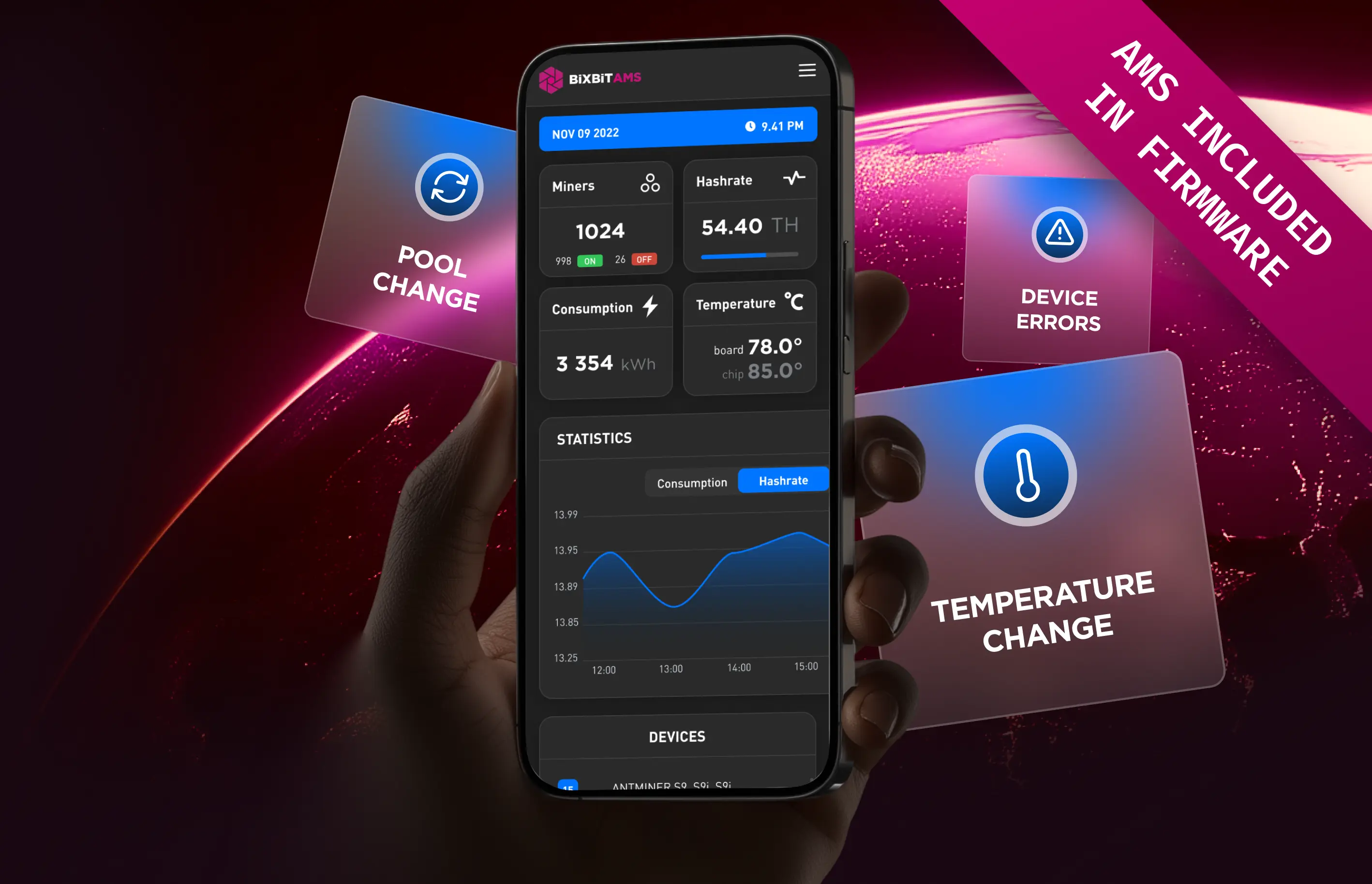
Mass device management

Advanced device sorting and filtering

Profit and technical condition analysis

Key parameters: hashrate, power, temperature

Remote access from anywhere in the world

Change notifications

Task assignment and status tracking

Role and access rights creation

Error reports and recommendations

Mining farm creation by parameters

Virtual map with ASIC placement

Free access when using BiXBiT firmware
You can read the step-by-step instructions or watch the video tutorial on YouTube.
To get a list of profiles, use the Auto Profile Generation feature in the Overclock tab. This takes about 40 minutes, and the results depend on the environment and the condition of the ASIC.
After selecting a profile, the ASIC undergoes an “Autotuning” process, which takes up to 1 hour, depending on the environmental conditions and the state of the ASIC. After completing the “Autotuning” process, the ASIC will enter the selected operating mode.
The warranty is not void due to the firmware. To transfer the warranty, you need to reflash the ASIC to the factory firmware using an SD card.
Yes, there are two ways to do it:
There may be several reasons:
Try the following:
If the problem persists, contact technical support, which is available 24/7
Message our support team on Telegram
Absolutely not. All firmware versions are thoroughly tested before each release. Moreover, all partners devices have been operating on BiXBiT firmware for many years.
Submit a request using the feedback form.
Submit a request

Contact Us on Telegram! You are always backed with our team of technicians who are always in touch and willing to help
Reach us