
Every week we help miners pick and configure pools, and the same connection questions keep coming up.
BiXBiT firmware for Antminer and WhatsMiner supports up to three pool addresses: one primary pool and two backups. This allows you to set connection priorities and keep mining if the primary pool becomes temporarily unavailable.
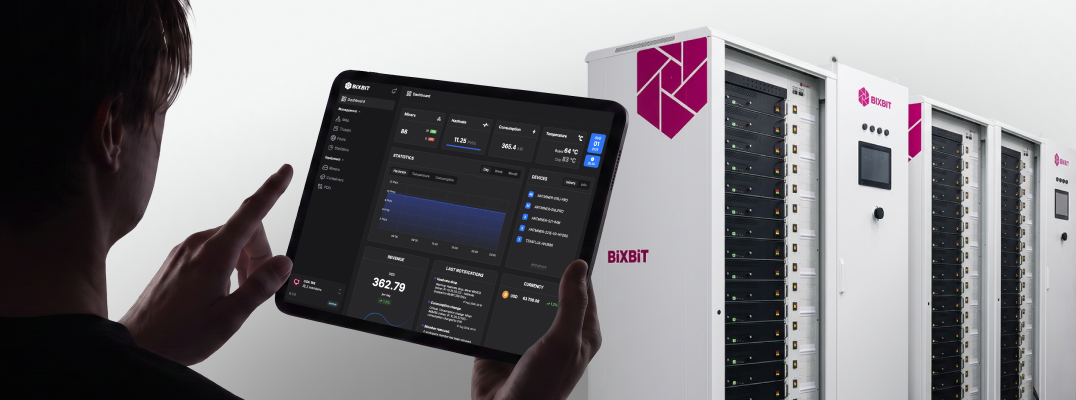
We also recommend connecting BiXBiT AMS — a remote monitoring and management system available at no additional cost with our firmware. AMS lets you add pools centrally, manage settings, restart devices, start and stop mining by groups, assign roles, and review the history of actions.
BiXBiT partners also receive access to exclusive firmware features for Antminer, including firmware retention on CV control boards and support for the latest stock firmware versions. Message us on Telegram to learn more about our partnership opportunities.
Before adding pool addresses to the firmware or AMS, look beyond fees and the dashboard: check how the pool’s infrastructure is built.
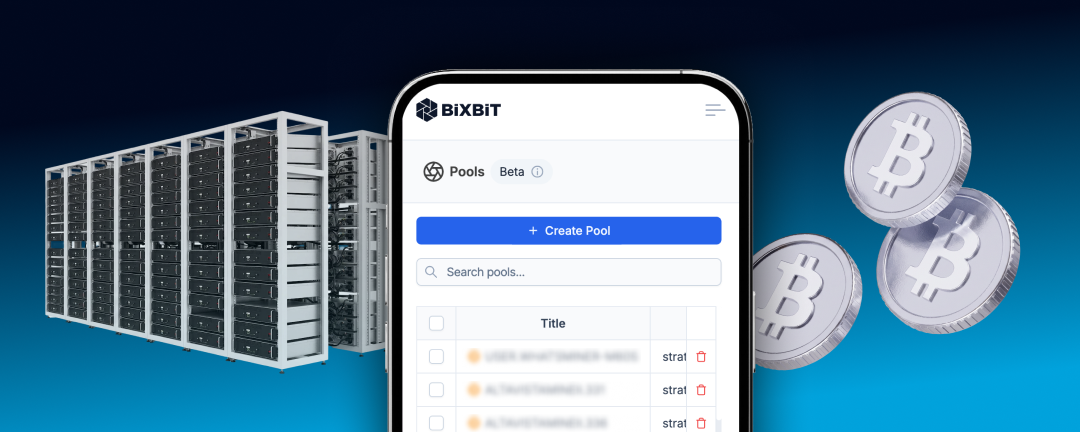
When choosing a BTC pool, pay attention to four key parameters:
To examine these aspects from the pool’s perspective, we asked the Kryptex Pool team to answer several questions.

PPS+ accounts not only for the block reward but also for transaction fees, which makes payouts more stable and less dependent on the pool’s luck.
A miner receives a reward for every accepted share, regardless of how many blocks the pool finds. If the pool has a period of bad luck, the pool covers the additional costs.
First, check the pool address, port, wallet, and worker name. Then make sure that the ASIC has internet access and that its settings and firmware are working correctly. Current pool and regional server addresses for all supported coins are available at pool.kryptex.com.
For Bitcoin, the main Stratum address is btc.kryptex.network:7014. The domain btc.kryptex.network is the pool address. Port 7014 is used for TCP, while port 8014 is used for SSL. The same pattern applies to all coins: ports in the 7XXX range are intended for TCP, while ports in the 8XXX range are intended for SSL.
The wallet and worker name should follow one of these formats: WALLET.WORKER or WALLET/WORKER. Legacy, P2SH, and SegWit addresses are supported, as well as mining through a Kryptex account. The password can usually be left blank or set to x.
If the connection cannot be established, try a regional Stratum server, such as btc-ru.kryptex.network:7014. This may help if the connection has high latency or routing issues.
In many cases, the cause is simple: a typo in the pool address or wallet, an incorrect port, an extra character in the worker name, a DNS issue, a connection blocked by the ISP or firewall, or a firmware error on the ASIC.
Check the ASIC log. Messages such as connection refused, timeout, DNS error, authorization failed, and repeated reconnect attempts can help identify the cause.
If the pool is accessible by IP address but not by domain name, check the DNS configuration. Try using 1.1.1.1 and 1.0.0.1 or 8.8.8.8 and 8.8.4.4 in the ASIC or router settings.
If the issue persists, contact Kryptex Support and attach the miner log.
Rejected shares can result from high latency between the ASIC and the pool, packet loss, an unstable connection, unstable overclocking, hardware errors in the chips, or firmware issues. Other possible causes include resubmitting the same share or submitting a share after the pool has already issued a new job.
Latency is especially important for Bitcoin. When a new block appears, the pool switches to a new job. If the ASIC submits a share too late, the share becomes stale and is rejected.
To check the network, look at ping, packet loss, jitter, and messages in the ASIC log. Routing issues are often indicated by timeouts or repeated reconnect attempts. Other warning signs include a rise in rejected shares while the hashrate remains stable, or an improvement after switching to a different regional server.
The general pool address does not always provide the best route. Test several regional servers, compare their latency, and select the one with the lowest ping. For PPS+, latency below 100 ms is generally considered good.
DNS can also affect the connection. On Windows, you can compare the response time of different DNS servers. Check the TotalMilliseconds value: the lower it is, the faster the DNS server responds to the request.
If rejected shares increase at the same time as hardware errors, unstable hash boards, or changes in frequency and voltage, the cause is more likely to be the ASIC itself. Return the device to stable frequency and voltage values, then check the hardware errors, firmware, and miner log.
A pool should operate reliably, while the miner should receive predictable payouts without depending on the pool’s luck or requiring excessive manual work.
Kryptex Pool provides:
Kryptex is more than a pool. Users can mine different coins, use automatic exchange, and receive payouts in a preferred fiat currency or cryptocurrency.
After setup, your miner is ready for efficient operation.


